You can use this to queue many drawing commands. The commands will be queued for rendering when you call the Dipose method. It is recommended that you use the using statement which automatically calls the Dispose method.
// Create a new CommandBuilder
using (var draw = DrawingManager.GetBuilder()) {
    // Use the exact same API as the global Draw class
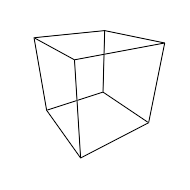
    draw.WireBox(Vector3.zero, Vector3.one);
}
Warning
You must call either #Dipose or DiscardAndDispose when you are done with this object to avoid memory leaks.
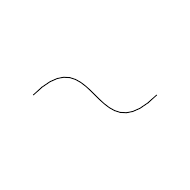
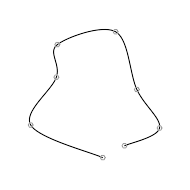
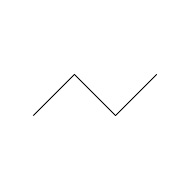
The curve will smoothly pass through each point in the list in order.
)
Draws a smooth curve through a list of points.
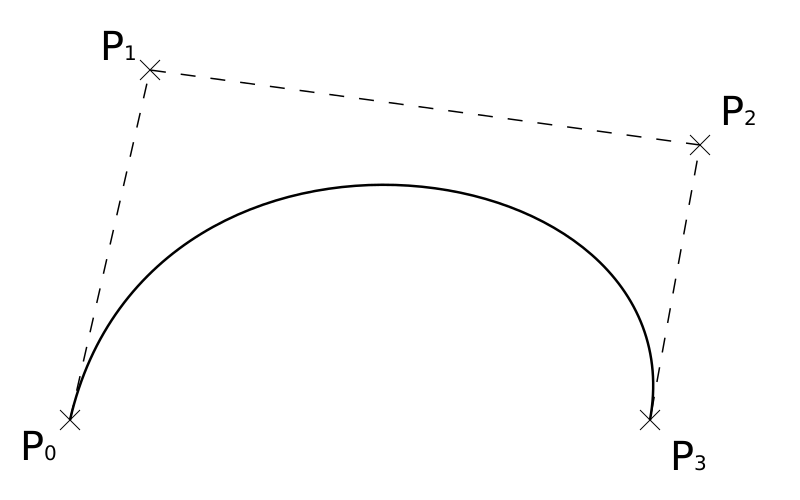
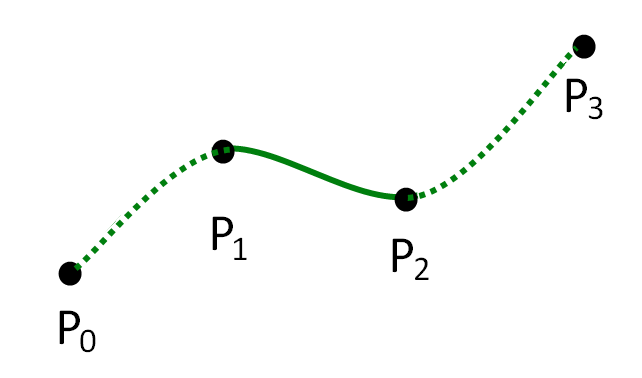
A catmull-rom spline is equivalent to a bezier curve with control points determined by an algorithm. In fact, this package displays catmull-rom splines by first converting them to bezier curves.
A catmull-rom spline is equivalent to a bezier curve with control points determined by an algorithm. In fact, this package displays catmull-rom splines by first converting them to bezier curves.
Scope to draw multiple things relative to a transform object.
All coordinates for items drawn inside the scope will be multiplied by the transform's localToWorldMatrix.
void Update () {
    using (Draw.InLocalSpace(transform)) {
        // Draw a box at (0,0,0) relative to the current object
        // This means it will show up at the object's position
        // The box is also rotated and scaled with the transform
        Draw.WireBox(Vector3.zero, Vector3.one);
    }
}
InScreenSpace
(camera)
Scope to draw multiple things in screen space of a camera.
Scope to draw multiple things in screen space of a camera.
If you draw 2D coordinates (i.e. (x,y,0)) they will be projected onto a plane approximately [2*near clip plane of the camera] world units in front of the camera (but guaranteed to be between the near and far planes).
The lower left corner of the camera is (0,0,0) and the upper right is (camera.pixelWidth, camera.pixelHeight, 0)
Draws everything until the next PopColor with the given color.
Any command that is passed an explicit color parameter will override this color. If another color scope is nested inside this one then that scope will override this color.
PushDuration
(duration)
Draws everything until the next PopDuration for a number of seconds.
Public
void
PushDuration (
float
duration
)
Draws everything until the next PopDuration for a number of seconds.
Warning
This is not recommended inside a DrawGizmos callback since DrawGizmos is called every frame anyway.
PushLineWidth
(pixels, automaticJoins=true)
Draws all lines until the next PopLineWidth with a given line width in pixels.
Public
void
PushLineWidth (
float
pixels
Line width in pixels
bool
automaticJoins=true
If true then sequences of lines that are adjacent will be automatically joined at their vertices. This typically produces nicer polylines without weird gaps.
)
Draws all lines until the next PopLineWidth with a given line width in pixels.
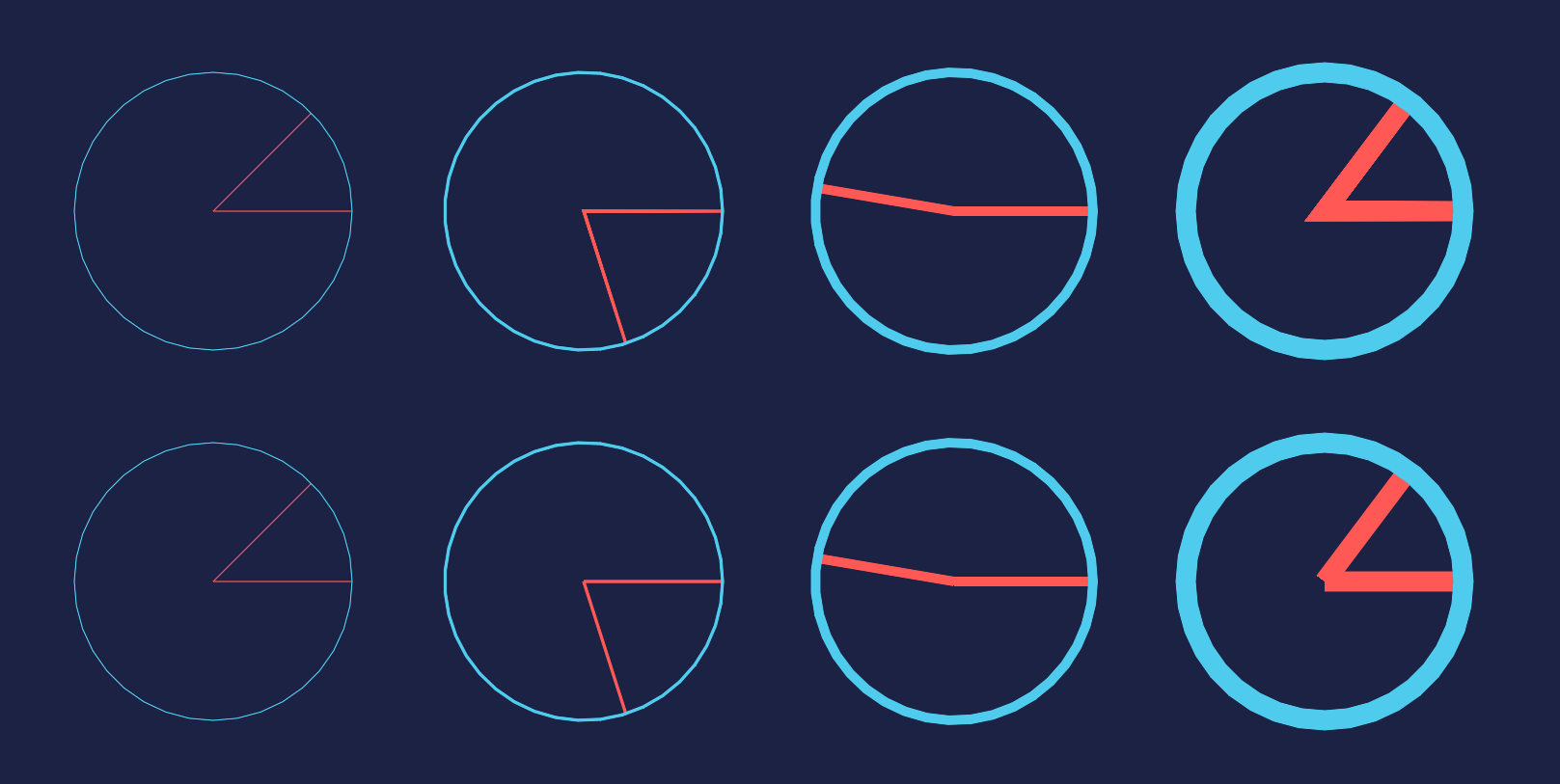
Note that the line join algorithm is a quite simple one optimized for speed. It normally looks good on a 2D plane, but if the polylines curve a lot in 3D space then it can look odd from some angles.
In the picture the top row has automaticJoins enabled and in the bottom row it is disabled.
PushMatrix
(matrix)
Multiply all coordinates until the next PopMatrix with the given matrix.
var go = GameObject.CreatePrimitive(PrimitiveType.Sphere);
go.transform.position = new Vector3(0, 0, 0);
using (Draw.InLocalSpace(go.transform)) {
    Draw.SolidMesh(go.GetComponent<MeshFilter>().sharedMesh, color);
}
Note
This method is not thread safe and must not be used from the Unity Job System.
var go = GameObject.CreatePrimitive(PrimitiveType.Sphere);
go.transform.position = new Vector3(0, 0, 0);
using (Draw.InLocalSpace(go.transform)) {
    Draw.SolidMesh(go.GetComponent<MeshFilter>().sharedMesh, color);
}
Note
This method is not thread safe and must not be used from the Unity Job System.
Draws a capsule with a (start,end) parameterization.
Public
void
WireCapsule (
float3
start
Center of the start hemisphere of the capsule.
float3
end
Center of the end hemisphere of the capsule.
float
radius
Radius of the capsule.
)
Draws a capsule with a (start,end) parameterization.
The behavior of this method matches common Unity APIs such as Physics.CheckCapsule.
// Draw a tilted capsule between the points (0,0,0) and (1,1,1) with a radius of 0.5
Draw.WireCapsule(Vector3.zero, Vector3.one, 0.5f, Color.black);
WireCapsule
(position, direction, length, radius)
Draws a capsule with a (position,direction/length) parameterization.
Public
void
WireCapsule (
float3
position
One endpoint of the capsule. This is at the edge of the capsule, not at the center of one of the hemispheres.
float3
direction
The main axis of the capsule.
float
length
Distance between the two endpoints of the capsule. The length will be clamped to be at least 2*radius.
float
radius
The radius of the capsule.
)
Draws a capsule with a (position,direction/length) parameterization.
// Draw a capsule that touches the y=0 plane, is 2 meters tall and has a radius of 0.5
Draw.WireCapsule(Vector3.zero, Vector3.up, 2.0f, 0.5f, Color.black);
WireCapsule
(start, end, radius, color)
Draws a capsule with a (start,end) parameterization.
Draws a capsule with a (position,direction/length) parameterization.
// Draw a capsule that touches the y=0 plane, is 2 meters tall and has a radius of 0.5
Draw.WireCapsule(Vector3.zero, Vector3.up, 2.0f, 0.5f, Color.black);
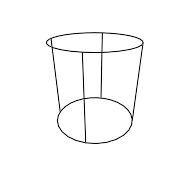
WireCylinder
(bottom, top, radius)
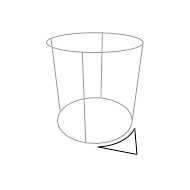
Draws a cylinder.
Public
void
WireCylinder (
float3
bottom
float3
top
float
radius
)
Draws a cylinder.
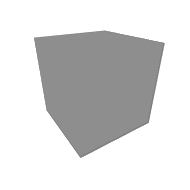
The cylinder's bottom circle will be centered at the bottom parameter and similarly for the top circle.
// Draw a tilted cylinder between the points (0,0,0) and (1,1,1) with a radius of 0.5
Draw.WireCylinder(Vector3.zero, Vector3.one, 0.5f, Color.black);
The cylinder's bottom circle will be centered at the bottom parameter and similarly for the top circle.
// Draw a tilted cylinder between the points (0,0,0) and (1,1,1) with a radius of 0.5
Draw.WireCylinder(Vector3.zero, Vector3.one, 0.5f, Color.black);
WireCylinder
(position, up, height, radius)
Draws a cylinder.
Public
void
WireCylinder (
float3
position
float3
up
float
height
float
radius
)
Draws a cylinder.
The cylinder's bottom circle will be centered at the position parameter. The cylinder's orientation will be determined by the up and height parameters.
// Draw a two meter tall cylinder at the world origin with a radius of 0.5
Draw.WireCylinder(Vector3.zero, Vector3.up, 2, 0.5f, Color.black);
The cylinder's bottom circle will be centered at the position parameter. The cylinder's orientation will be determined by the up and height parameters.
// Draw a two meter tall cylinder at the world origin with a radius of 0.5
Draw.WireCylinder(Vector3.zero, Vector3.up, 2, 0.5f, Color.black);
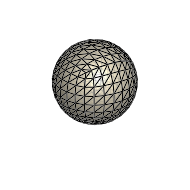
Every single edge of the mesh will be drawn using a Line command.
var go = GameObject.CreatePrimitive(PrimitiveType.Sphere);
go.transform.position = new Vector3(0, 0, 0);
using (Draw.InLocalSpace(go.transform)) {
    Draw.WireMesh(go.GetComponent<MeshFilter>().sharedMesh, color);
}
Every single edge of the mesh will be drawn using a Line command.
var go = GameObject.CreatePrimitive(PrimitiveType.Sphere);
go.transform.position = new Vector3(0, 0, 0);
using (Draw.InLocalSpace(go.transform)) {
    Draw.WireMesh(go.GetComponent<MeshFilter>().sharedMesh, color);
}
Scope to draw multiple things with the same color.
void Update () {
    using (Draw.WithColor(Color.red)) {
        Draw.Line(new Vector3(0, 0, 0), new Vector3(1, 1, 1));
        Draw.Line(new Vector3(0, 0, 0), new Vector3(0, 1, 2));
    }
}
Any command that is passed an explicit color parameter will override this color. If another color scope is nested inside this one then that scope will override this color.
WithDuration
(duration)
Scope to draw multiple things for a longer period of time.
If true then sequences of lines that are adjacent will be automatically joined at their vertices. This typically produces nicer polylines without weird gaps.
)
Scope to draw multiple things with a given line width.
Note that the line join algorithm is a quite simple one optimized for speed. It normally looks good on a 2D plane, but if the polylines curve a lot in 3D space then it can look odd from some angles.
In the picture the top row has automaticJoins enabled and in the bottom row it is disabled.
WithMatrix
(matrix)
Scope to draw multiple things with an implicit matrix transformation.
Scope to draw multiple things with an implicit matrix transformation.
All coordinates for items drawn inside the scope will be multiplied by the matrix. If WithMatrix scopes are nested then coordinates are multiplied by all nested matrices in order.
using (Draw.InLocalSpace(transform)) {
    // Draw a box at (0,0,0) relative to the current object
    // This means it will show up at the object's position
    Draw.WireBox(Vector3.zero, Vector3.one);
}

// Equivalent code using the lower level WithMatrix scope
using (Draw.WithMatrix(transform.localToWorldMatrix)) {
    Draw.WireBox(Vector3.zero, Vector3.one);
}
Can be set to render specifically to these cameras.
Public
Camera[]
cameraTargets
Can be set to render specifically to these cameras.
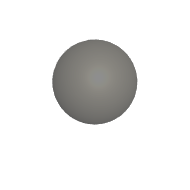
If you set this property to an array of cameras then this command builder will only be rendered to the specified cameras. Setting this property bypasses Drawing.DrawingManager.allowRenderToRenderTextures. The camera will be rendered to even if it renders to a render texture.
A null value indicates that all valid cameras should be rendered to. This is the default value.
var draw = DrawingManager.GetBuilder(true);

draw.cameraTargets = new Camera[] { myCamera };
// This sphere will only be rendered to myCamera
draw.WireSphere(Vector3.zero, 0.5f, Color.black);
draw.Dispose();