Changelog
1.4.3 (2021-09-04)
Fixed some debug printout had been included by mistake. A "Disposing" message could sometimes show up in the console.
1.4.2 (2021-08-22)
Reduced overhead in standalone builds if you have many objects in the scene.
Fixed Draw.WireCapsule(float3,float3,float) could render incorrectly if the start and end parameters were identical.
Fixed Draw.WithDuration scopes could survive until the next time the game started if no game or scene cameras were ever rendered while in edit mode.
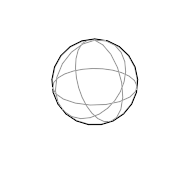
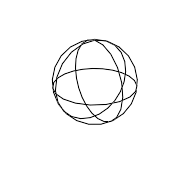
Draw.WireSphere(float3,float) has changed to always include an outline of the sphere. This makes it a lot nicer to look at.
1.4.1 (2021-02-28)
Added CommandBuilder.DisposeAfter to dispose a command builder after a job has completed.
Fixed gizmos would be rendered for other objects when the scene view was in prefab isolation mode. Now they will be hidden, which matches what Unity does.
Fixed a deprecation warning when unity the HDRP package version 9.0 or higher.
Improved docs for RedrawScope.
Fixed documentation for scopes (e.g. Draw.WithColor) would show up as missing in the online documentation.
1.4 (2021-01-27)
Breaking changes
Draw.WireCapsule(float3,float3,float) with the bottom/top parameterization was incorrect and the behavior did not match the documentation for it. This method has been changed so that it now matches the documentation as this was the intended behavior all along. The documentation and parameter names have also been clarified.
Added Draw.SolidRectangle(Rect).
Fixed Draw.SolidBox(float3,Quaternion,float3) and Draw.WireBox(float3,Quaternion,float3) rendered a box that was offset by 0.5 times the size of the box. This bug only applied to the overload with a rotation, not for example to Draw.SolidBox(float3,float3).
Fixed Draw.SolidMesh would always be rendered at the world origin with a white color. Now it picks up matrices and colors properly.
Fixed a bug which could cause a greyed out object called 'RetainedGizmos' to appear in the scene hierarchy.
Fixed some overloads of WireCylinder, WireCapsule, WireBox and SolidBox throwing errors when you tried to use them in a Burst job.
Improved compatibility with some older versions of the Universal Render Pipeline.
1.3.1 (2020-10-10)
Improved performance in standalone builds by more aggressively compiling out drawing commands that would never render anything anyway.
Reduced overhead in some cases, in particular when nothing is being rendered.
1.3 (2020-09-12)
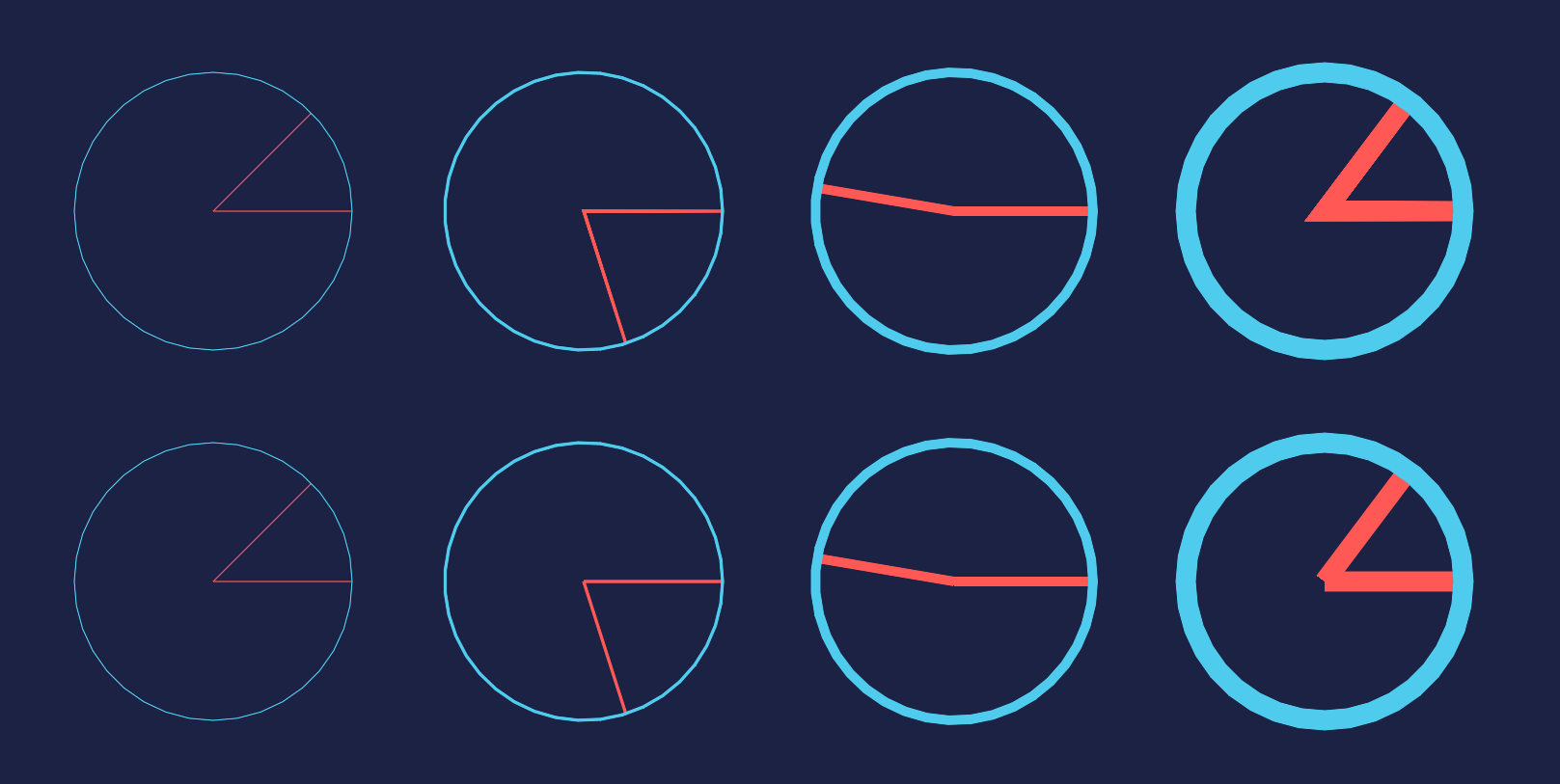
Added support for line widths. See Draw.WithLineWidth.
Added warning message when using the Experimental URP 2D Renderer. The URP 2D renderer unfortunately does not have enough features yet to be able to support ALINE. It doesn't have an extensible post processing system. The 2D renderer will be supported as soon as it is technically possible.
Fixed Draw.SolidPlane(float3,float3,float2) and Draw.WirePlane(float3,float3,float2) not working for all normals.
Fixed the culling bounding box for text and lines could be calculated incorrectly if text labels were used. This could result in text and lines randomly disappearing when the camera was looking in particular directions.
Renamed Draw.PushPersist and Draw.PopPersist to Draw.PushDuration and Draw.PopDuration for consistency with the Draw.WithDuration scope. The previous names will still work, but they are marked as deprecated.
Known bugs
Draw.SolidMesh(Mesh) does not respect matrices and will always be drawn with the pivot at the world origin.
1.2.3 (2020-07-26)
Fixed solid drawing not working when using VR rendering.
Fixed nothing was visible when using the Universal Render Pipeline and post processing was enabled. Note that ALINE will render before post processing effects when using the URP. This is because as far as I can tell the Universal Render Pipeline does not expose any way to render objects after post processing effects because it renders to hidden textures that custom passes cannot access.
Fixed drawing sometimes not working when using the High Definition Render Pipeline. In contrast to the URP, ALINE can actually render after post processing effects with the HDRP since it has a nicer API. So it does that.
Known bugs
Draw.SolidMesh(Mesh) does not respect matrices and will always be drawn with the pivot at the world origin.
1.2.2 (2020-07-11)
Fixed drawing sometimes not working when using the Universal Render Pipeline, in particular when either HDR or anti-aliasing was enabled.
Fixed drawing not working when using VR rendering.
Hopefully fixed the issue that could sometimes cause "The ALINE package installation seems to be corrupt. Try reinstalling the package." to be logged when first installing the package (even though the package wasn't corrupt at all).
Incremented required burst package version from 1.3.0-preview.7 to 1.3.0.
Fixed the offline documentation showing the wrong page instead of the get started guide.
1.2.1 (2020-06-21)
Breaking changes
Changed the size parameter of Draw.WireRect to be a float2 instead of a float3. It made no sense for it to be a float3 since a rectangle is two-dimensional. The y coordinate of the parameter was never used.
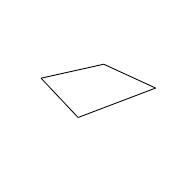
Added Draw.WirePlane.
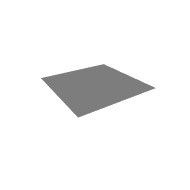
Added Draw.SolidPlane.
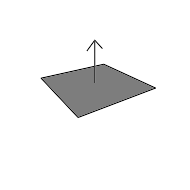
Added Draw.PlaneWithNormal.
Fixed Drawing.DrawingUtilities class missed an access modifier. Now all methods are properly public and can be accessed without any issues.
Fixed an error could be logged after using the WireMesh method and then exiting/entering play mode.
Fixed Draw.Arrow not drawing the arrowhead properly when the arrow's direction was a multiple of (0,1,0).
1.2 (2020-05-22)
Added page showing some advanced usages: Advanced usage.
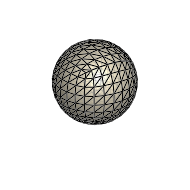
Added Draw.WireMesh.
Added CommandBuilder.cameraTargets.
The WithDuration scope can now be used even outside of play mode. Outside of play mode it will use Time.realtimeSinceStartup to measure the duration.
The WithDuration scope can now be used inside burst jobs and on different threads.
Fixed WireCylinder and WireCapsule logging a warning if the normalized direction from the start to the end was exactly (1,1,1).normalized. Thanks Billy Attaway for reporting this.
Fixed the documentation showing the wrong namespace for classes. It listed Pathfinding.Drawing but the correct namespace is just Drawing.
1.1.1 (2020-05-04)
Breaking changes
The vertical alignment of Label2D has changed slightly. Previously the Top and Center alignments were a bit off from the actual top/center.
Fixed conflicting assembly names when used in a project that also has the A* Pathfinding Project package installed.
Fixed a crash when running on iOS.
Improved alignment of Draw.Label2D when using the Top or Center alignment.
1.1 (2020-04-20)
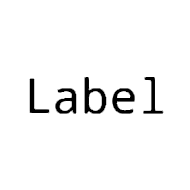
Added Draw.Label2D which allows you to easily render text from your code. It uses a signed distance field font renderer which allows you to render crisp text even at high resolution. At very small font sizes it falls back to a regular font texture.
Improved performance of drawing lines by about 5%.
Fixed a potential crash after calling the Draw.Line(Vector3,Vector3,Color) method.
1.0.2 (2020-04-09)
Breaking changes
A few breaking changes may be done as the package matures. I strive to keep these to as few as possible, while still not sacrificing good API design.
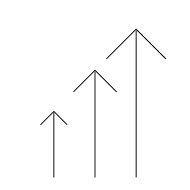
Changed the behaviour of Draw.Arrow to use an absolute size head. This behaviour is probably the desired one more often when one wants to explicitly set the size. The default Draw.Arrow(float3,float3) function which does not take a size parameter continues to use a relative head size of 20% of the length of the arrow.
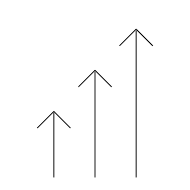
Added Draw.ArrowRelativeSizeHead which uses a relative size head.
Added DrawingManager.GetBuilder instead of the unnecessarily convoluted DrawingManager.instance.gizmos.GetBuilder.
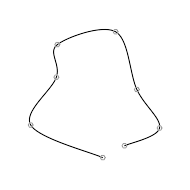
Added Draw.CatmullRom for drawing a smooth curve through a list of points.
Made it easier to draw things that are visible in standalone games. You can now use for example Draw.ingame.WireBox(Vector3.zero, Vector3.one) instead of having to create a custom command builder. See Drawing in a game for more details.
1.0.1 (2020-04-06)
Fix burst example scene not having using burst enabled (so it was much slower than it should have been).
Fix text color in the SceneEditor example scene was so dark it was hard to read.
Various minor documentation fixes.
1.0 (2020-04-05)
Initial release